A home in the Activity Bar
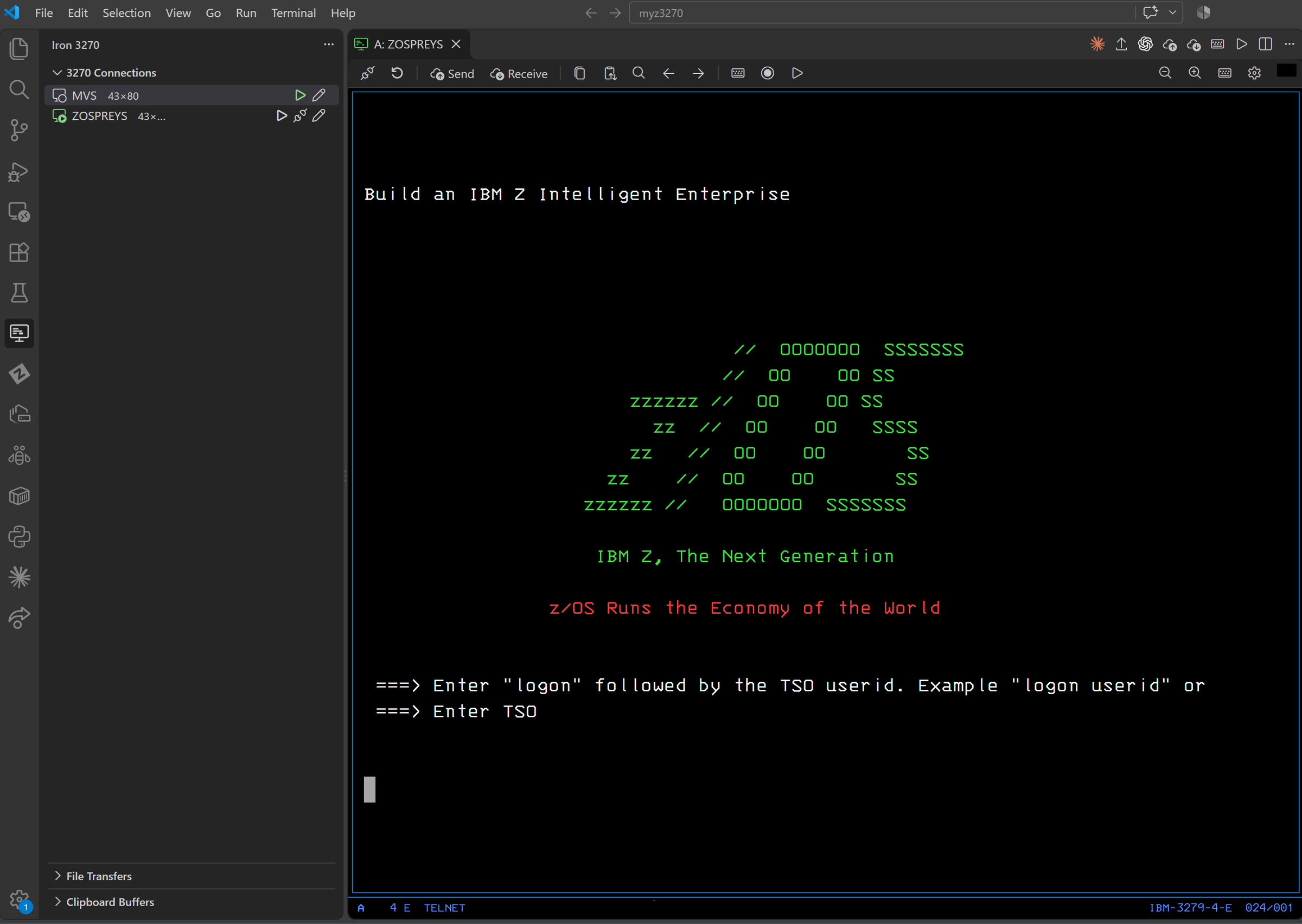
Save hosts in the 3270 Connections view, organize them in groups, and double-click to connect. Each session opens as its own editor tab, so splits and side-by-side work just work.
VS Code extension · IBM Z
Preview · version 0.9.3
A TN3270E terminal emulator for z/OS and z/VM that lives inside Visual Studio Code. Real block-mode 3270 screens, the full PF/PA keyboard, strict TLS, IND$FILE file transfer and macros, next to your code instead of in a separate window.
Features
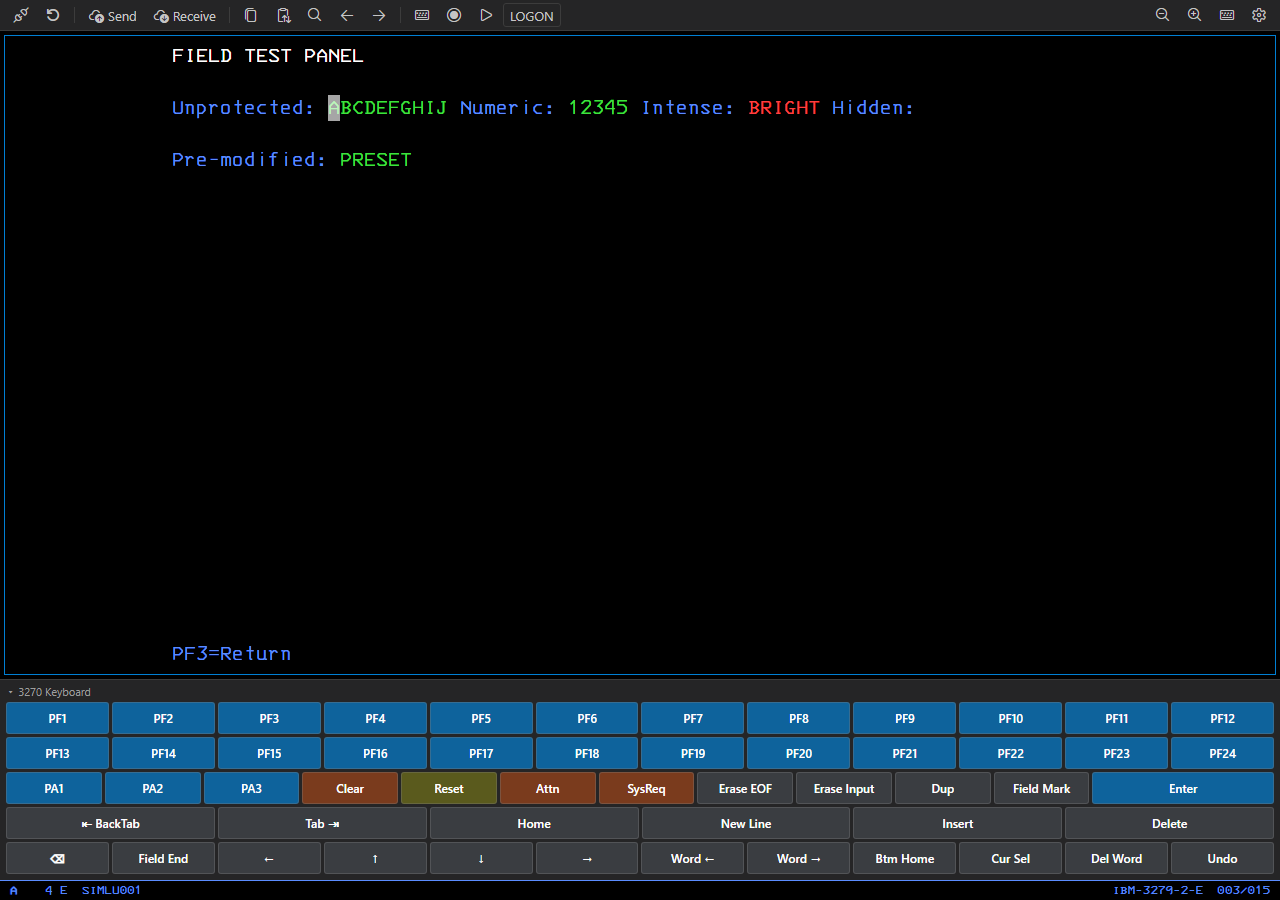
Iron 3270 keeps the field-oriented, block-mode behavior of a genuine 3270 terminal: protected and numeric fields, modified data tags, keyboard locking, type-ahead. The protocol engine is b3270 from the long-standing x3270 suite.
Save hosts in the 3270 Connections view, organize them in groups, and double-click to connect. Each session opens as its own editor tab, so splits and side-by-side work just work.
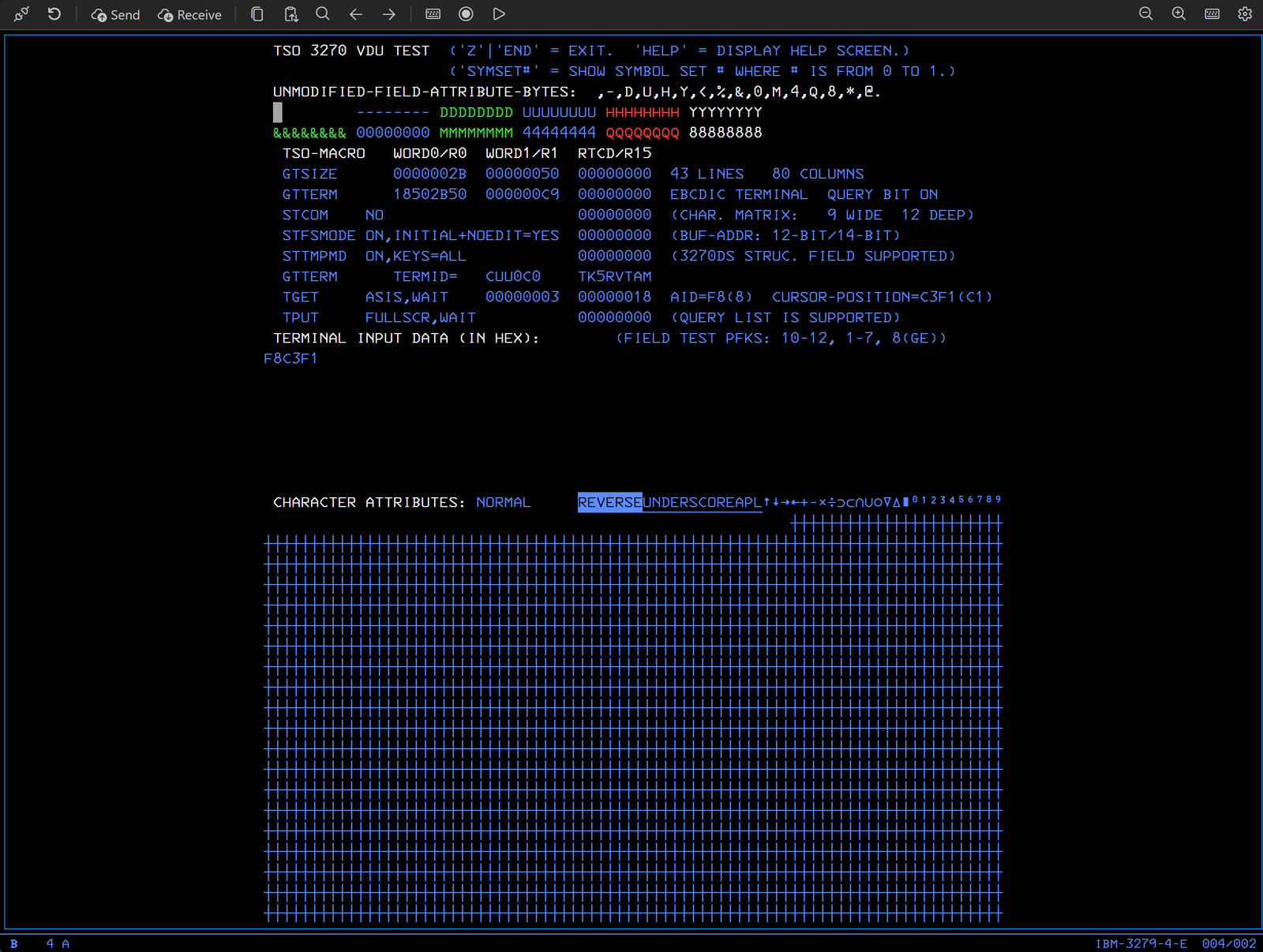
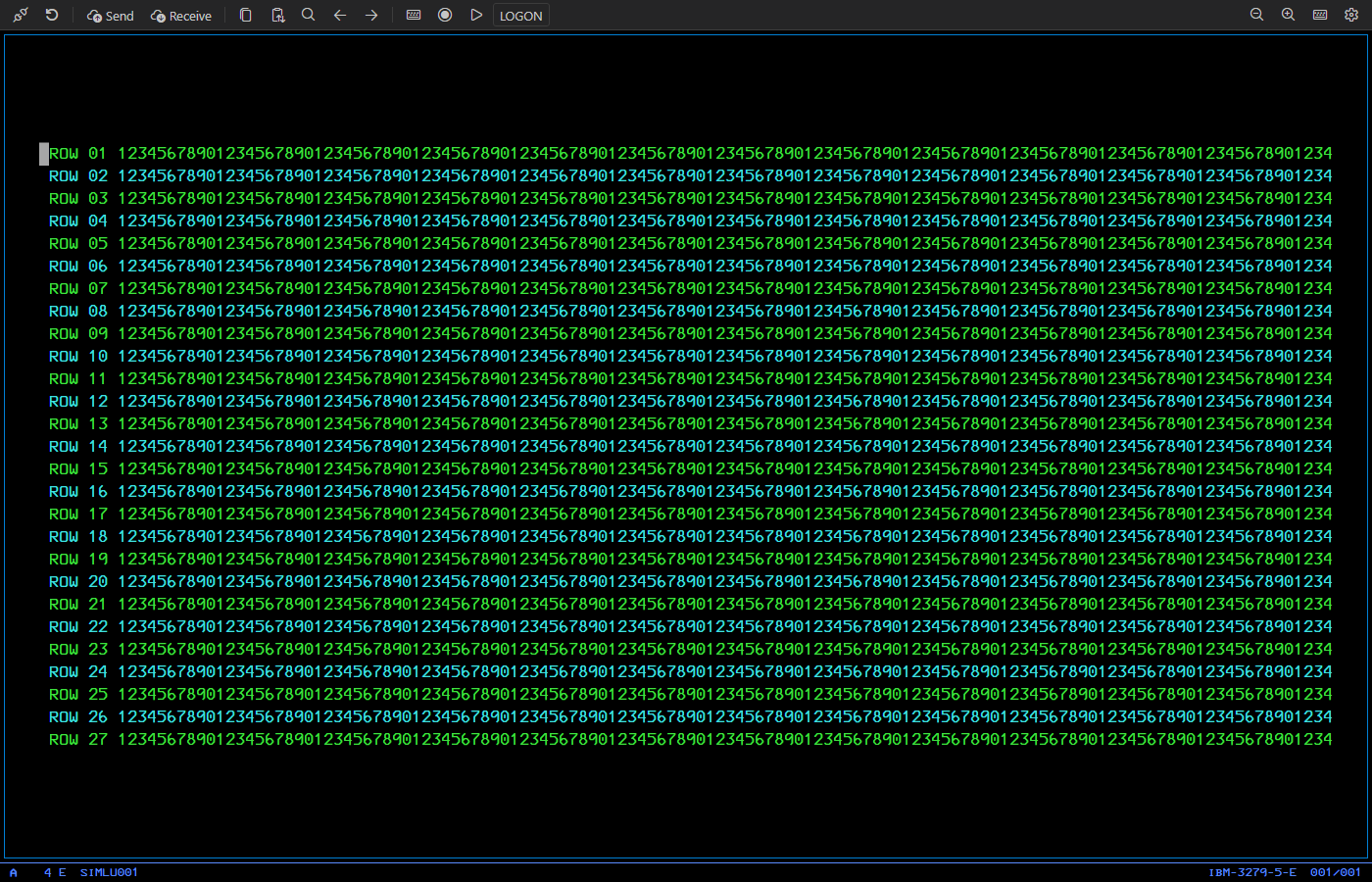
Models 2, 3, 4 and 5 (up to 27×132), extended colors and highlighting, an authentic operator information area, the classic 3270 font and six themes from green screen to high contrast.
PF1–PF24, PA1–PA3, Enter, Clear, Reset, Attn, SysReq, Erase EOF, Erase Input, Dup and Field Mark, on your keyboard and on a dockable on-screen keyboard. Keymaps are fully customizable.
Certificates and host names are verified by default. Use your company's CA, or pin one reviewed certificate. Passwords never touch logs or macros, and secrets live in VS Code's secure storage.
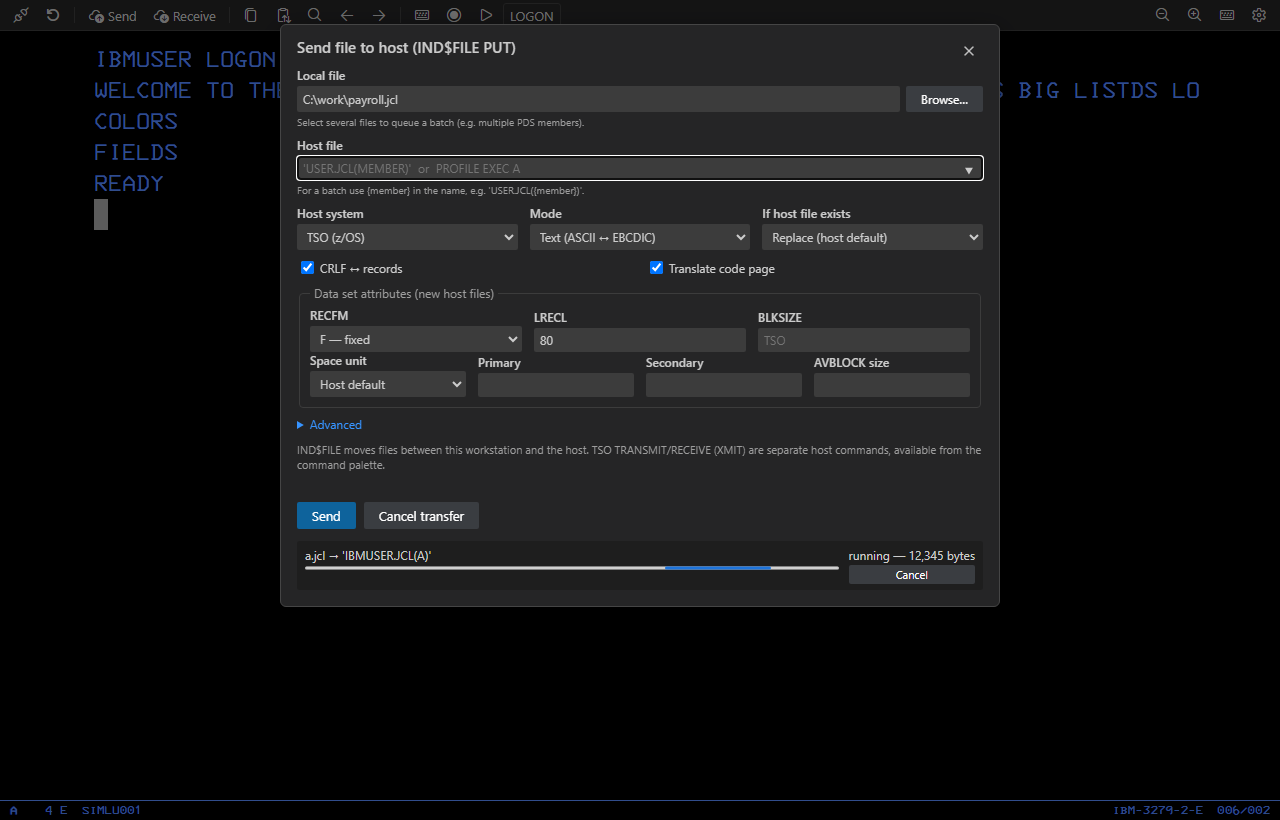
Send and receive files with TSO, CMS and CICS: text or binary, CRLF records, RECFM, LRECL, BLKSIZE and space allocation, batches of PDS members, progress and cancel.
Block selection, field-aware paste, Select JCL and Paste JCL, nine clipboard buffers, screen history, find, URL hotspots, and a sandboxed macro language with recording.
Screenshots
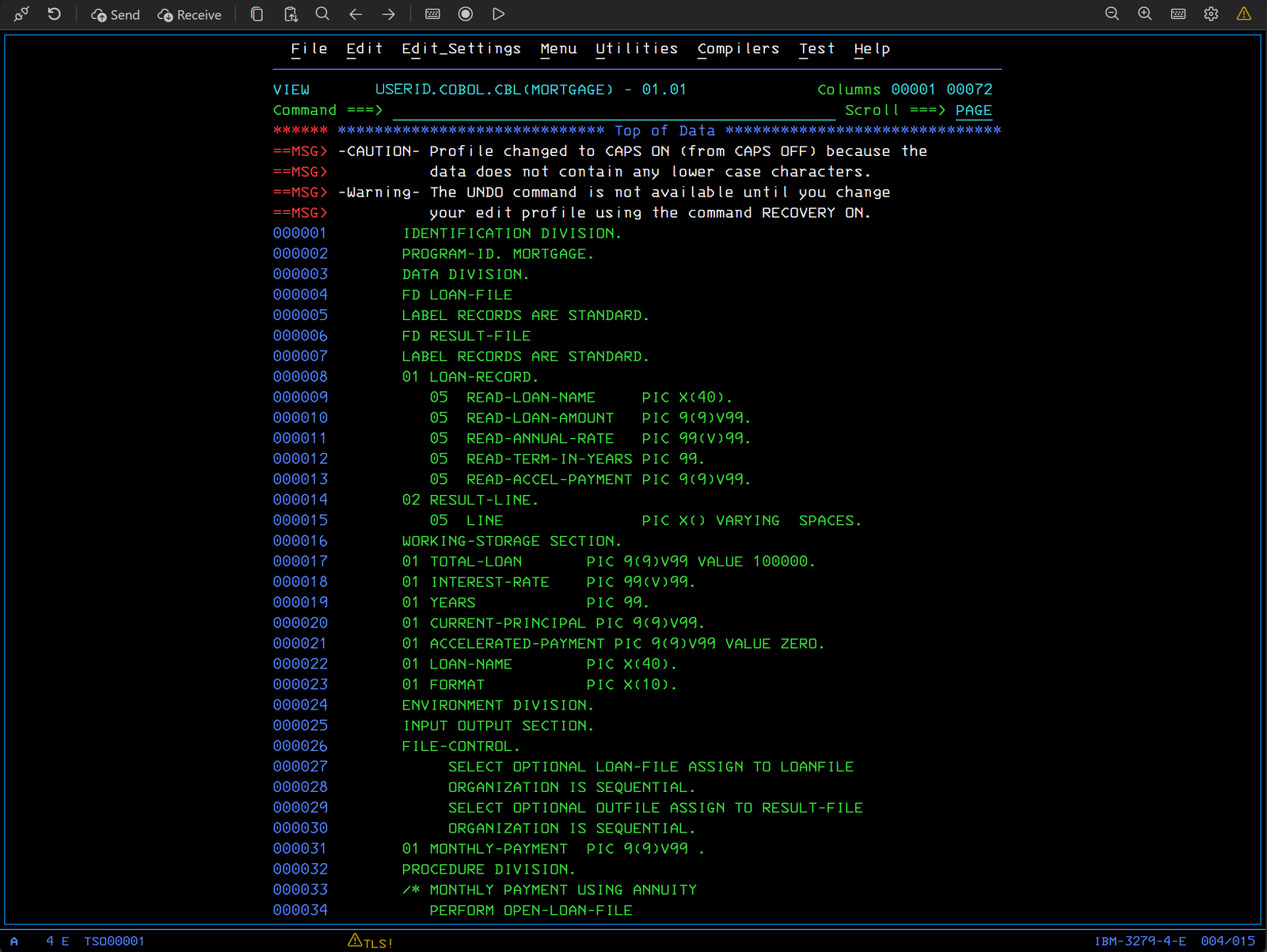
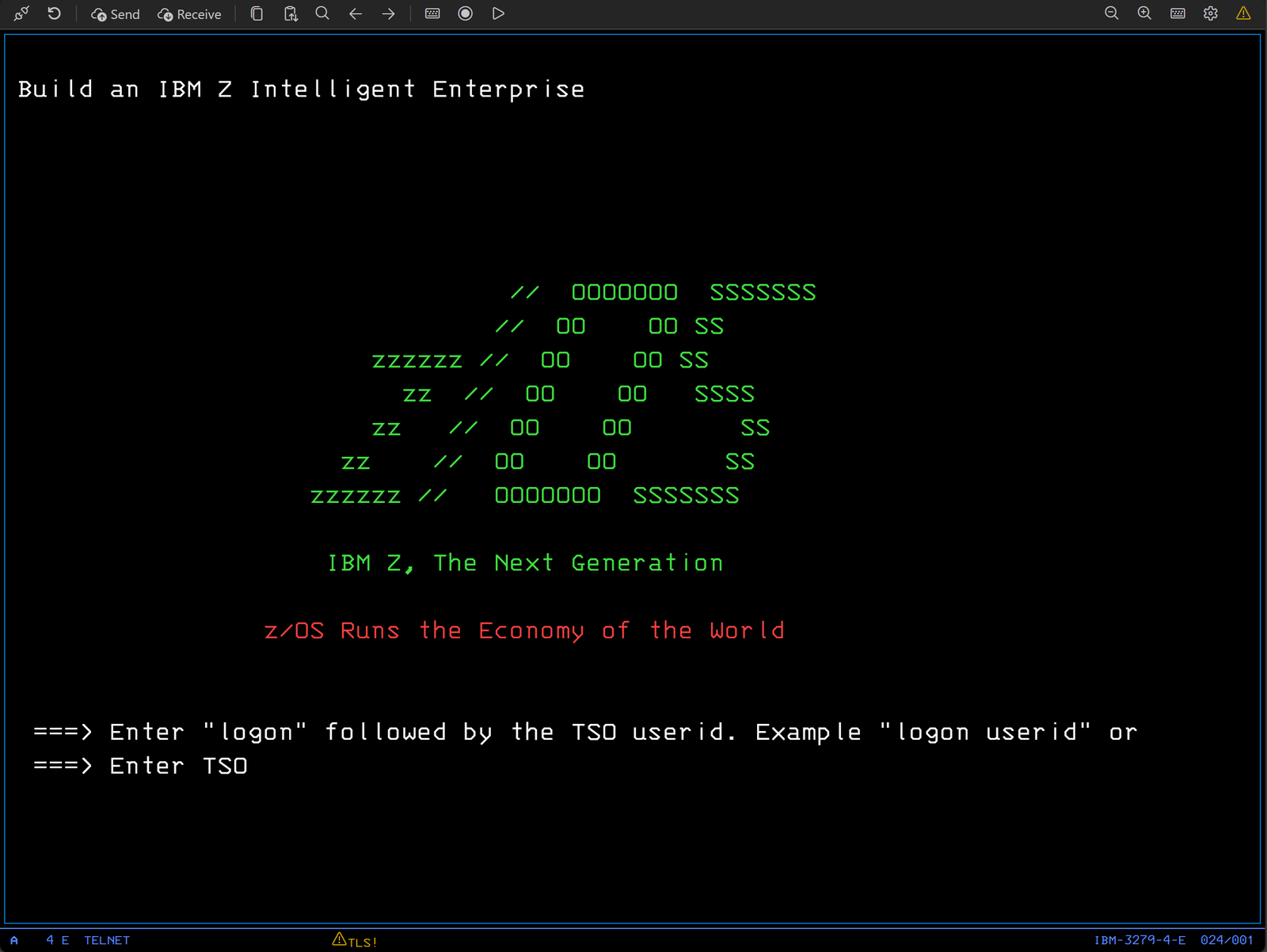
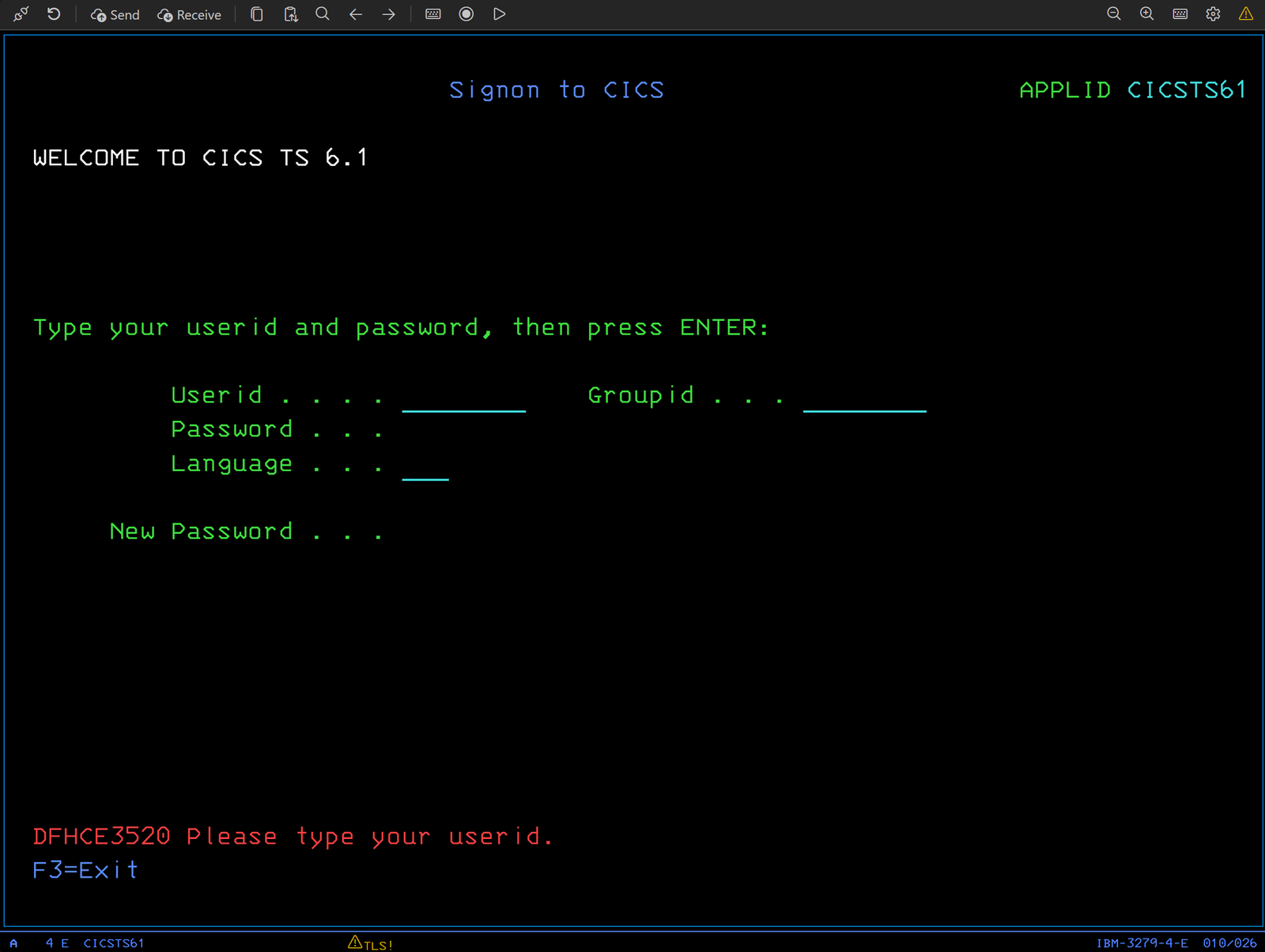
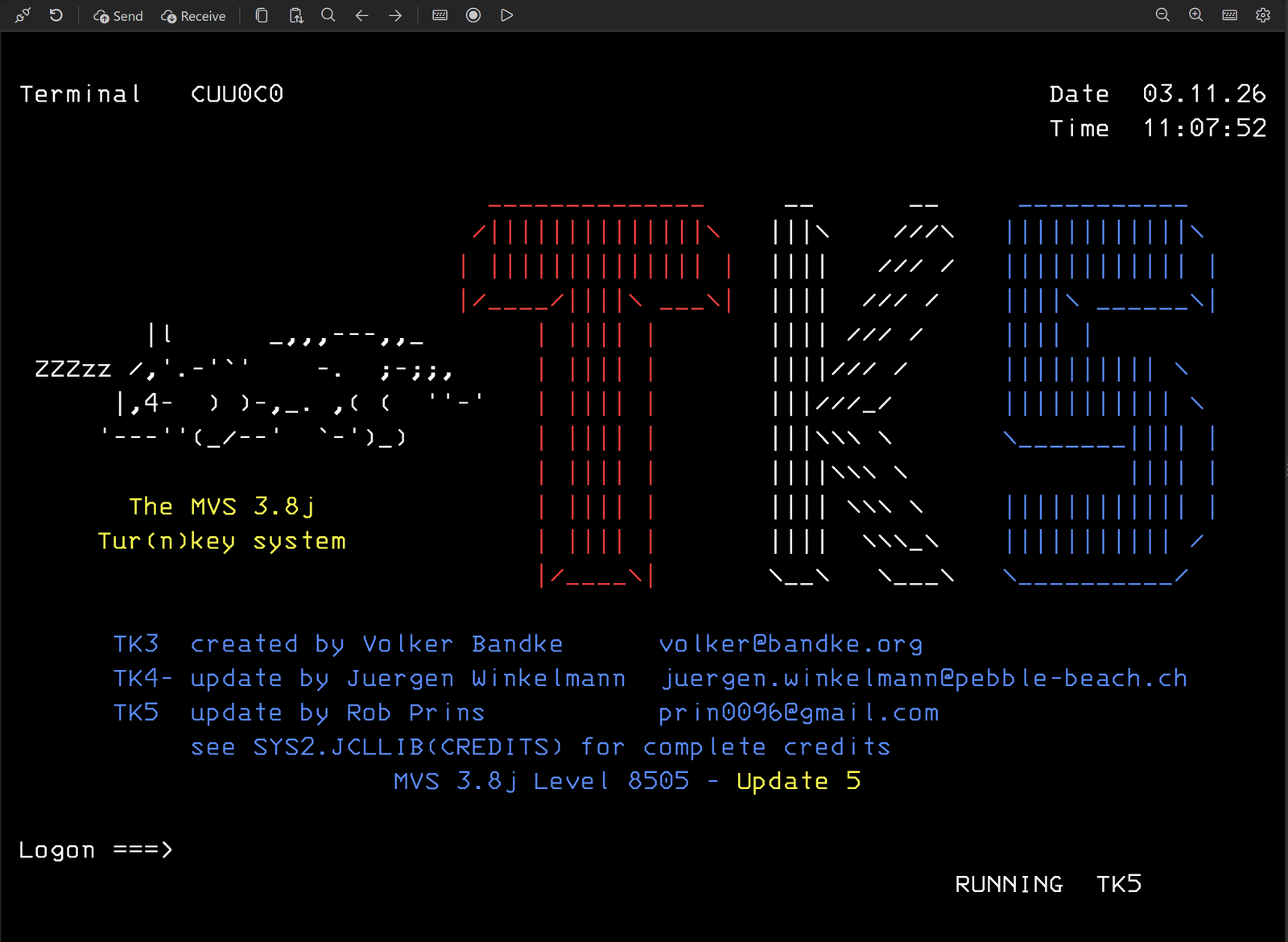
The first five screens are real systems: z/OS with TSO/ISPF and CICS TS 6.1, and MVS 3.8j (the MVS TK5 distribution). The close-ups after them come from the extension's automated visual tests against its built-in test host.
Install
Iron 3270 is free. It needs Visual Studio Code 1.90 or later on a supported platform; the protocol engine is included, so there is nothing else to install.
In VS Code, open the Extensions view (Ctrl+Shift+X), search for Iron 3270 and click Install. Or open the Marketplace page and click Install there. The extension ID is ScottPiersall.iron3270.
Click the Iron 3270 icon in the Activity Bar, then Add Connection. Enter the host, the port (23, or 992 for TLS), the terminal model and the host code page. Choose TLS: verify certificate whenever your host supports it, and use Test Connection to check before saving.
Double-click the connection. The session opens in its own tab. Press Ctrl+K for the on-screen keyboard, or use the toolbar's Send and Receive buttons to transfer files.
| Platform | Status | Notes |
|---|---|---|
| Windows x64 | Supported | Fully tested. |
| Windows on ARM | Supported | Runs the x86 engine under Windows' built-in emulation. |
| Linux x64 | Supported | Tested on RHEL 8, 9 and 10, Rocky and Oracle Linux, Debian 12 and 13, Ubuntu 20.04 to 24.04, openSUSE Leap 15, Amazon Linux 2023 and Fedora. No extra packages needed. |
| macOS (Apple Silicon and Intel) | Supported | macOS 11 or later. Tested on Apple Silicon; the Intel build is tested under Rosetta. |
| Linux ARM64 | Supported | The same distributions as Linux x64. Tested on a Raspberry Pi 5. |
| Remote SSH, WSL, containers | Supported | The extension runs on the remote side; install the build for that machine's platform. |
| VS Code for the Web | Not available | Browsers cannot run the native 3270 protocol engine. |
Quick guide
Complete user, keyboard, file transfer and macro guides are included with the extension. These are the things people ask about first.
While a terminal tab has focus, F1 goes to the host instead of opening the Command Palette. Built-in PCOMM-style and x3270-style keymaps are included, and the graphical keymap editor lets you build your own.
Send and Receive use IND$FILE through your session. Start from a host command prompt (TSO READY, ISPF option 6 or CMS Ready;) and Iron 3270 types the command for you.
'USER.JCL(MEMBER)'. CMS names: PROFILE EXEC A.{member} in the host name.TSO TRANSMIT and RECEIVE are host commands, separate from IND$FILE. Iron 3270 offers clearly labelled helpers for them too.
Record a macro from the toolbar, or write one in the simple .3270macro language. Macros wait on real screen state (wait unlock, wait text), never record passwords, and ask before any file transfer.
Security and privacy
Mainframe sessions carry credentials and business data. Iron 3270 is designed to be boring in the best way.
Iron 3270 collects no usage data and sends nothing anywhere except to the hosts you connect to. Screen contents and keystrokes are never written to its diagnostic log.
Unverified sessions show a persistent warning.
Client certificate passphrases live in VS Code's SecretStorage. Connection exports never contain secrets. Macros cannot read files, start programs or reach the network.
Support
Email spiersall@gmail.com with "Iron 3270" in the subject. Please include the extension version, your operating system, and the output of Iron 3270: Show Diagnostics Log from the Command Palette. It contains no screen data or keystrokes.
Release notes
This is a preview. Beyond the automated suites and recorded real-host sessions, it has been tested on a real mainframe: z/OS TSO/ISPF, CICS and z/VM CMS, with every TLS mode including client certificates, IND$FILE transfers, TSO TRANSMIT/RECEIVE, macros, auto-reconnect and larger screen models. Feedback is very welcome.
License and credits
Iron 3270 is free software under the BSD 3-Clause license, by Scott Piersall.
The 3270 protocol engine is b3270 from the x3270 suite by Paul Mattes and contributors (BSD license). The bundled fonts are the 3270 font by Ricardo Banffy (BSD) and IBM Plex Mono (SIL Open Font License). Full notices ship with the extension.
IBM, IBM Z, z/OS, z/VM, TSO, ISPF, CICS and 3270 are trademarks or product names of International Business Machines Corporation. Iron 3270 is an independent project and is not affiliated with or endorsed by IBM, or by the authors of x3270 or Vista TN3270.